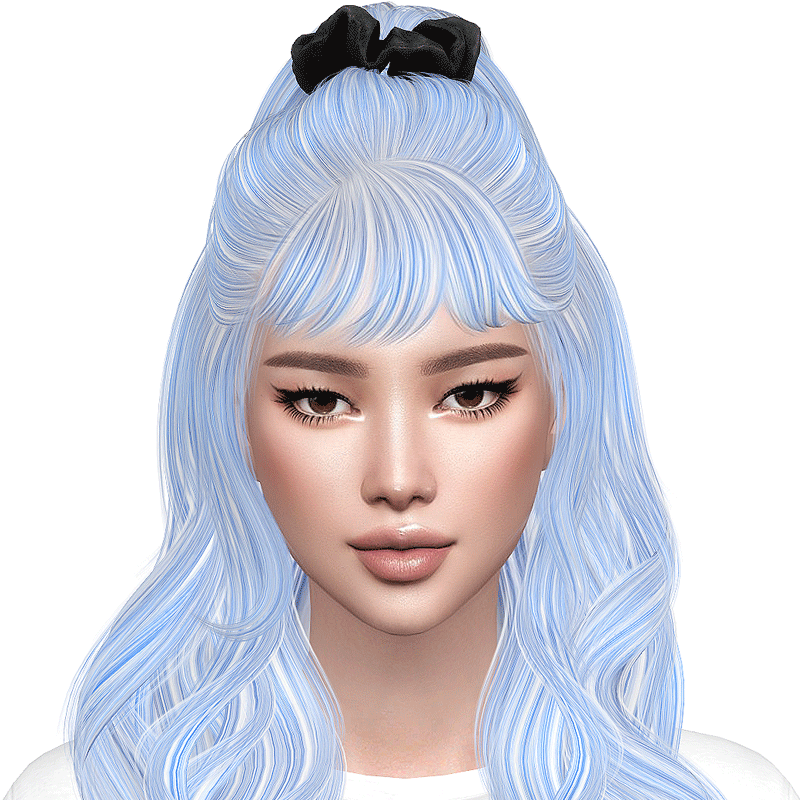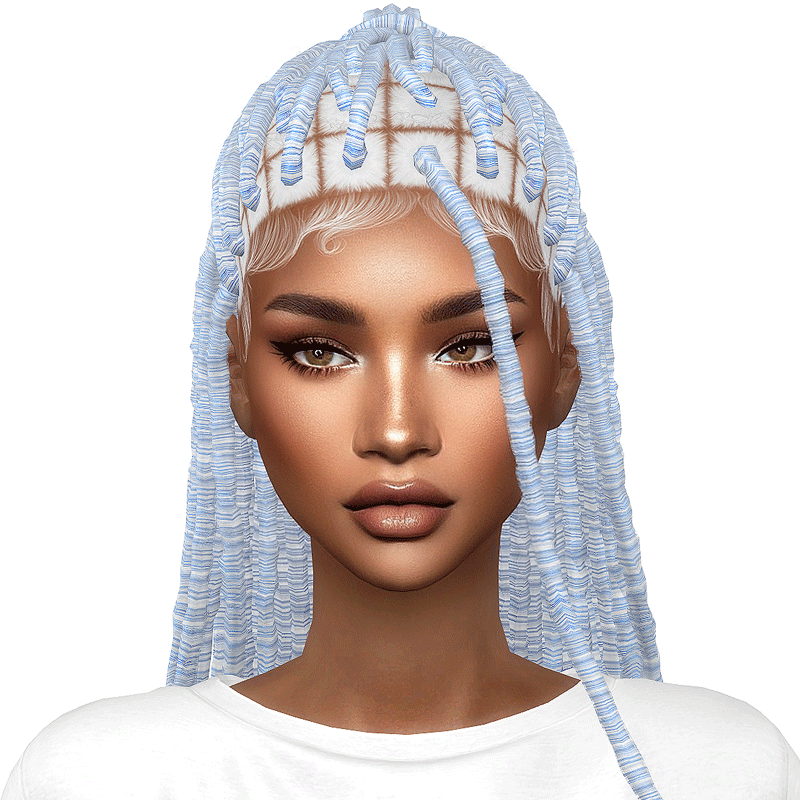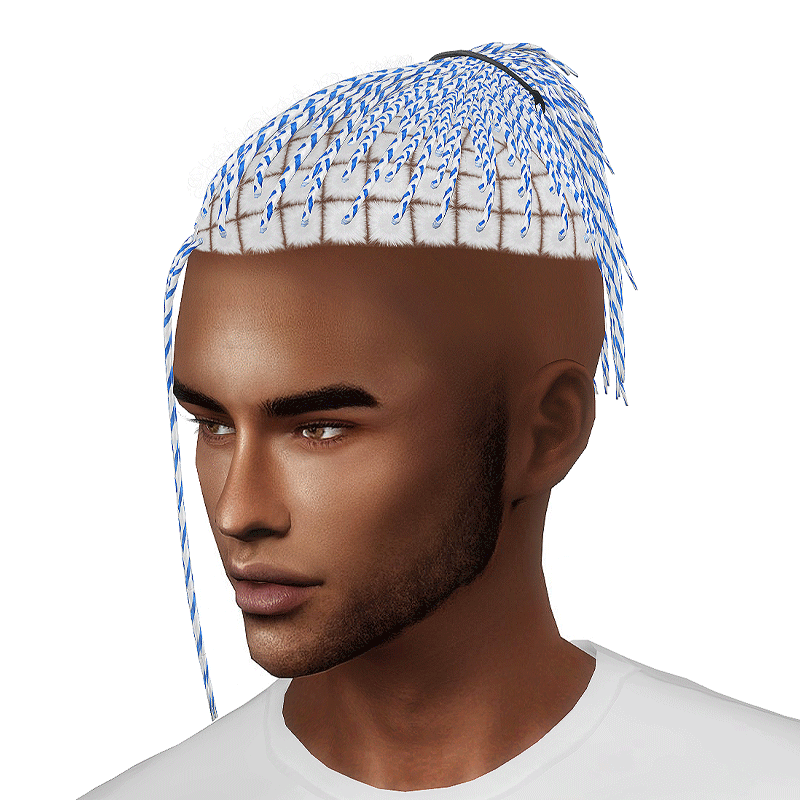
The
Chromatic
Collection

Lots of fun and endless customization possibilities.

Everything you need to use Chromatic Hairstyles easily

This page explains what you need, and how to use everything step by step. Don’t worry if you’re not very tech-savvy — it’s easier than it sounds. 😉

If you already know how it works you can go straight to download.

What is it?

There are two things: the base and the extras.

The Chromatic Collection: Base is a colour library for Chromatic Hairstyles. It’s simply a file that stores the hair textures.

The Chromatic Collection: Extras is an optional add-on that lets you play with those colours, mix them, and customize the hairstyles in your own way.

How does it work?

Chromatic Hairstyles work a little differently than regular ones. Instead of including all colours inside each file, they all use the same shared colour pack. This means: You don’t download the same colours over and over

  • Hairstyles take less space on your computer
  • You get more options to customize colours
  • You don’t need to set anything up.

Once the files are in your Mods folder, everything works automatically. ✨

Colours!

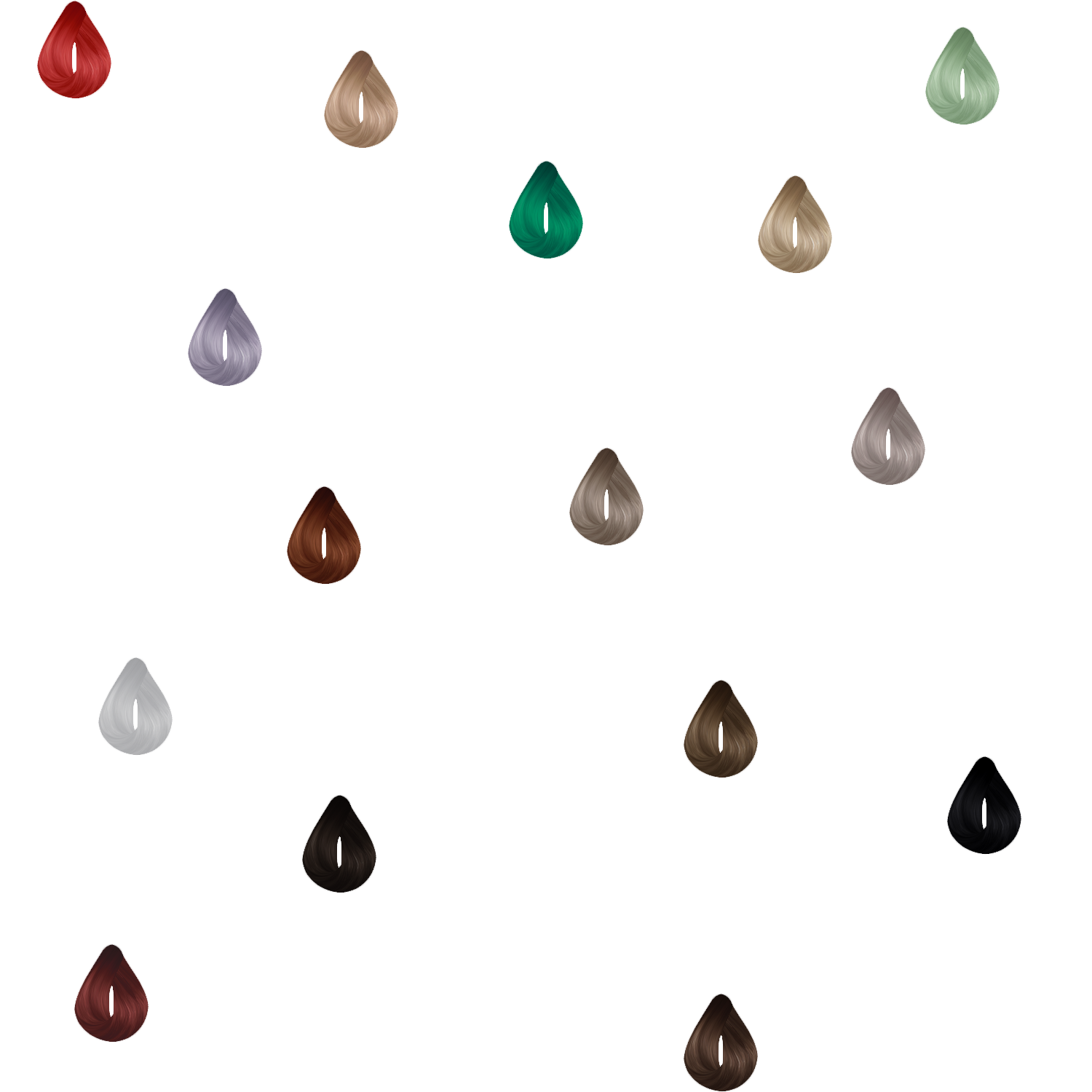
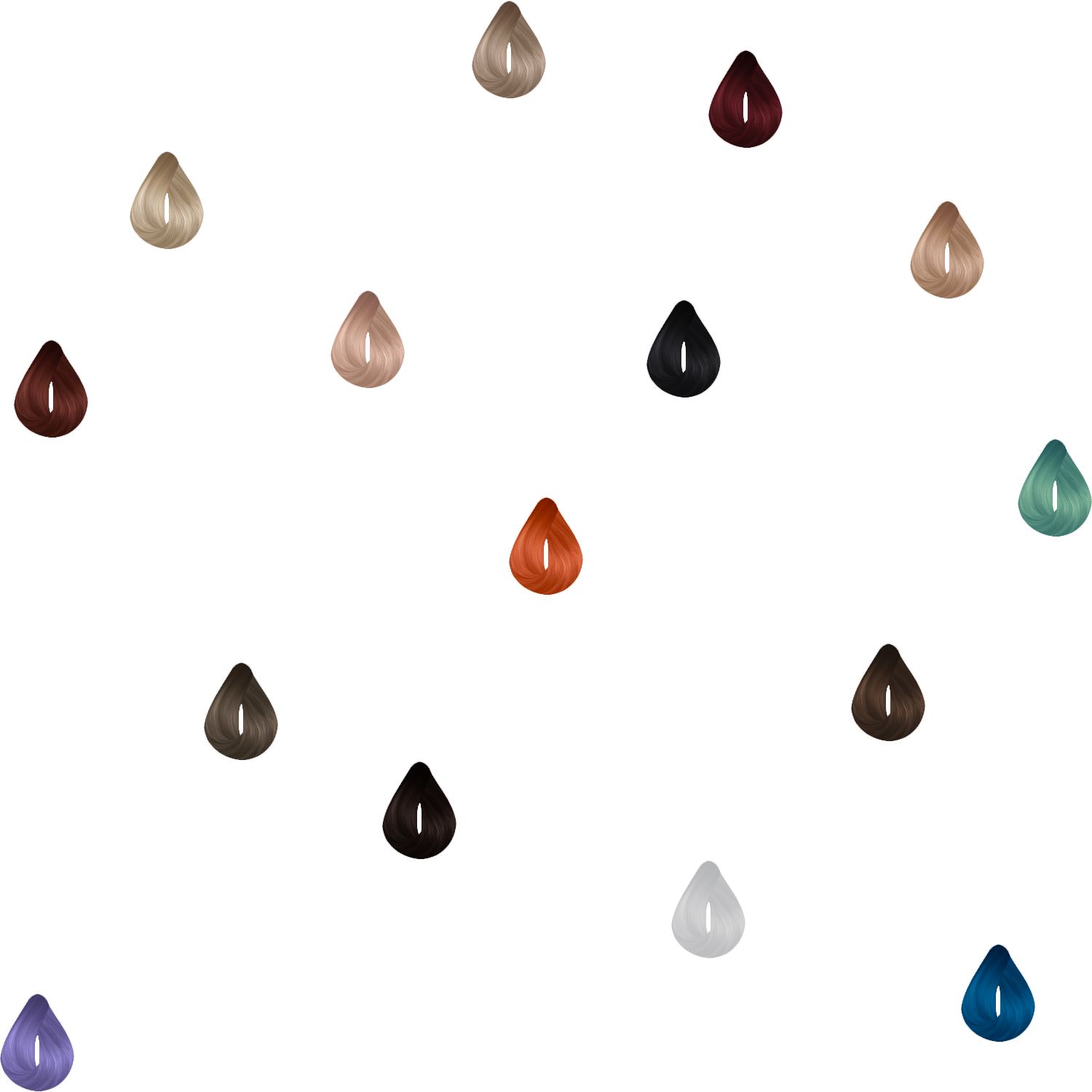
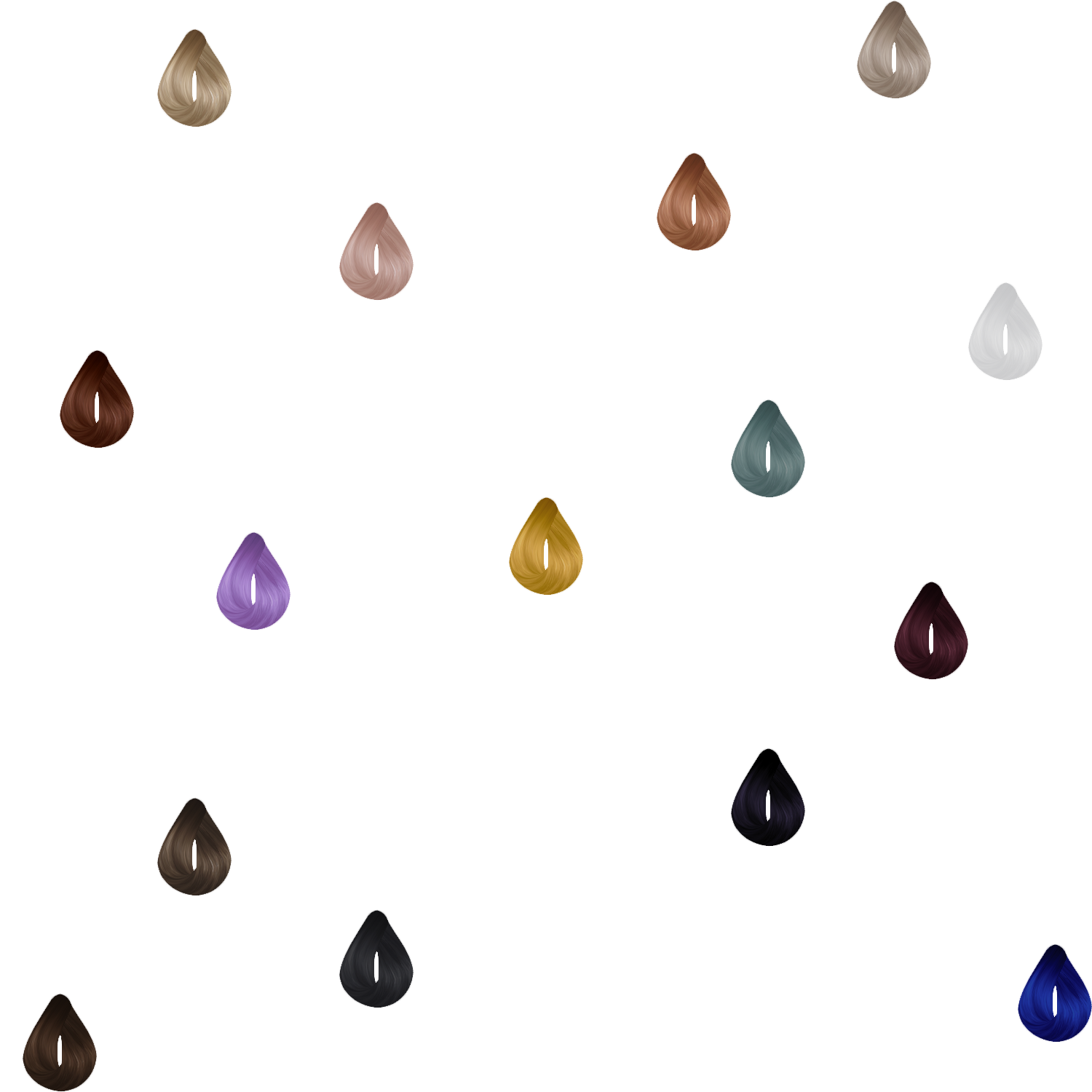
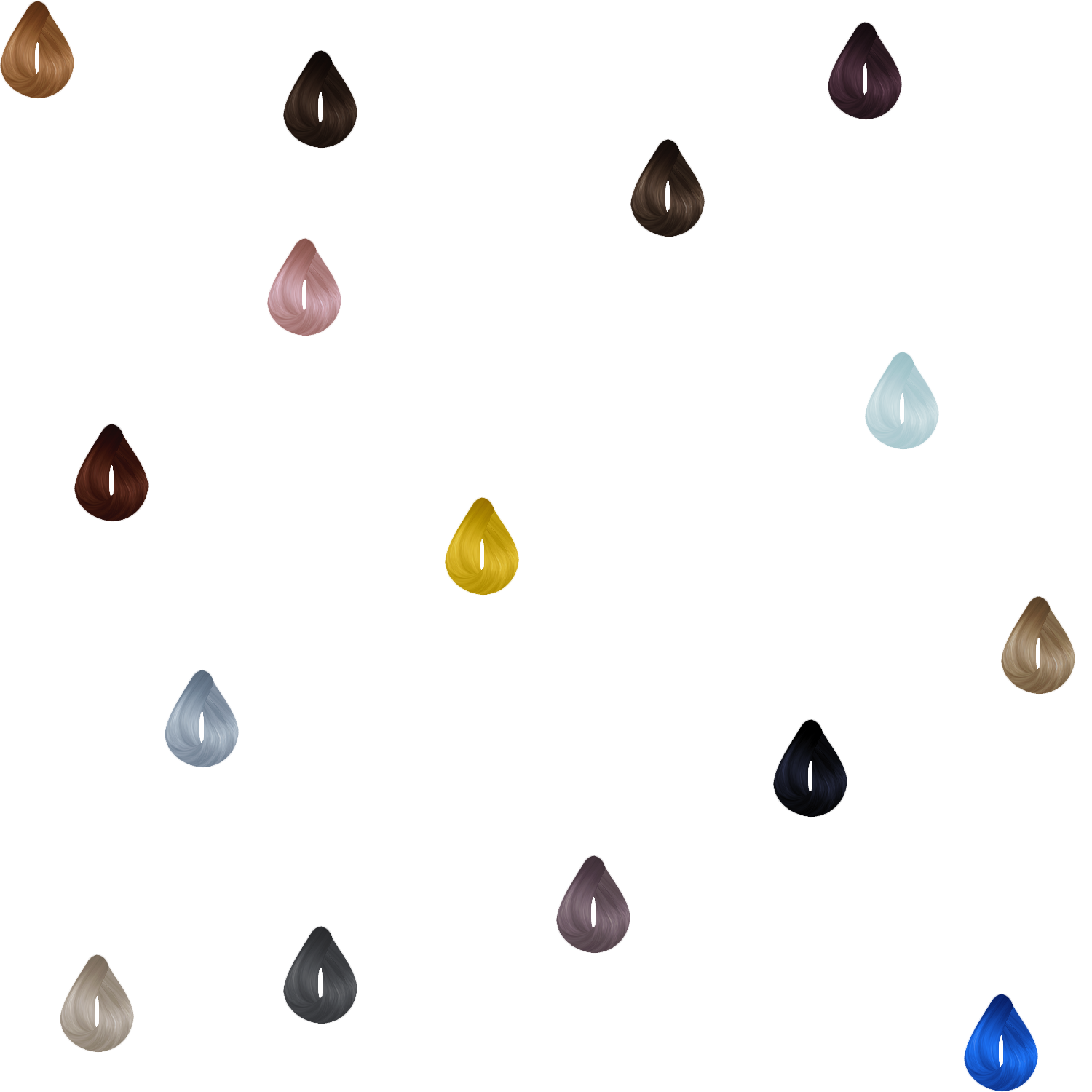
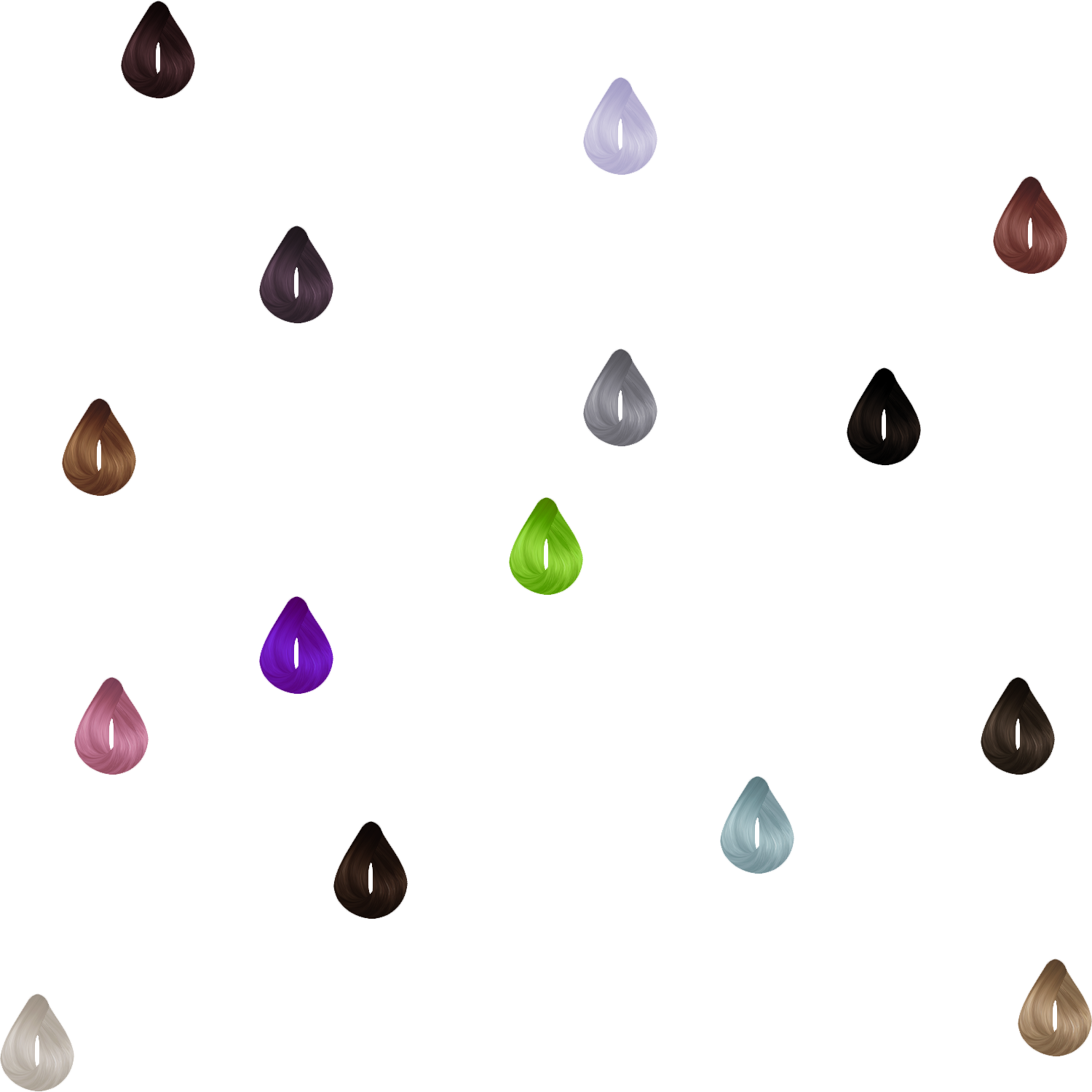
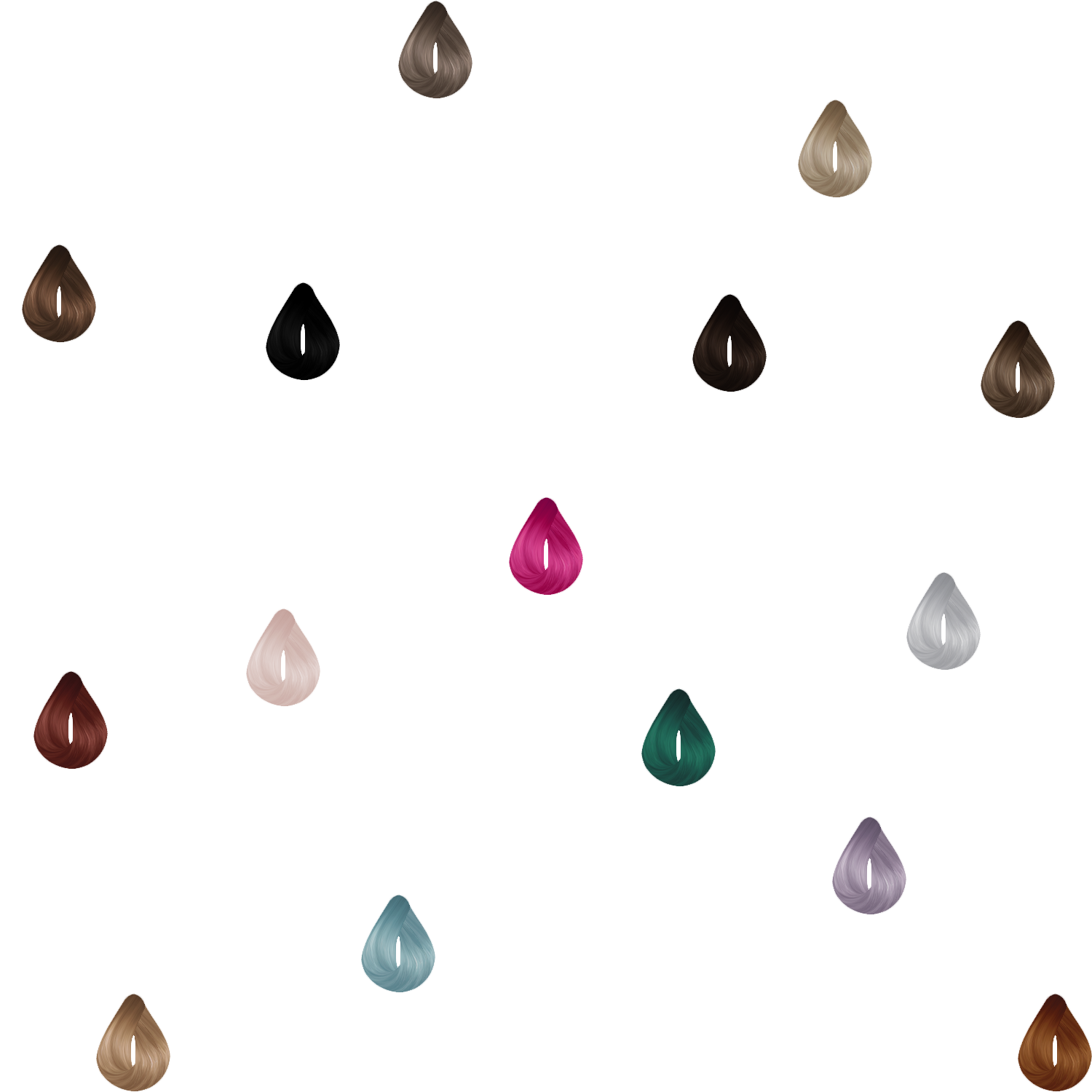
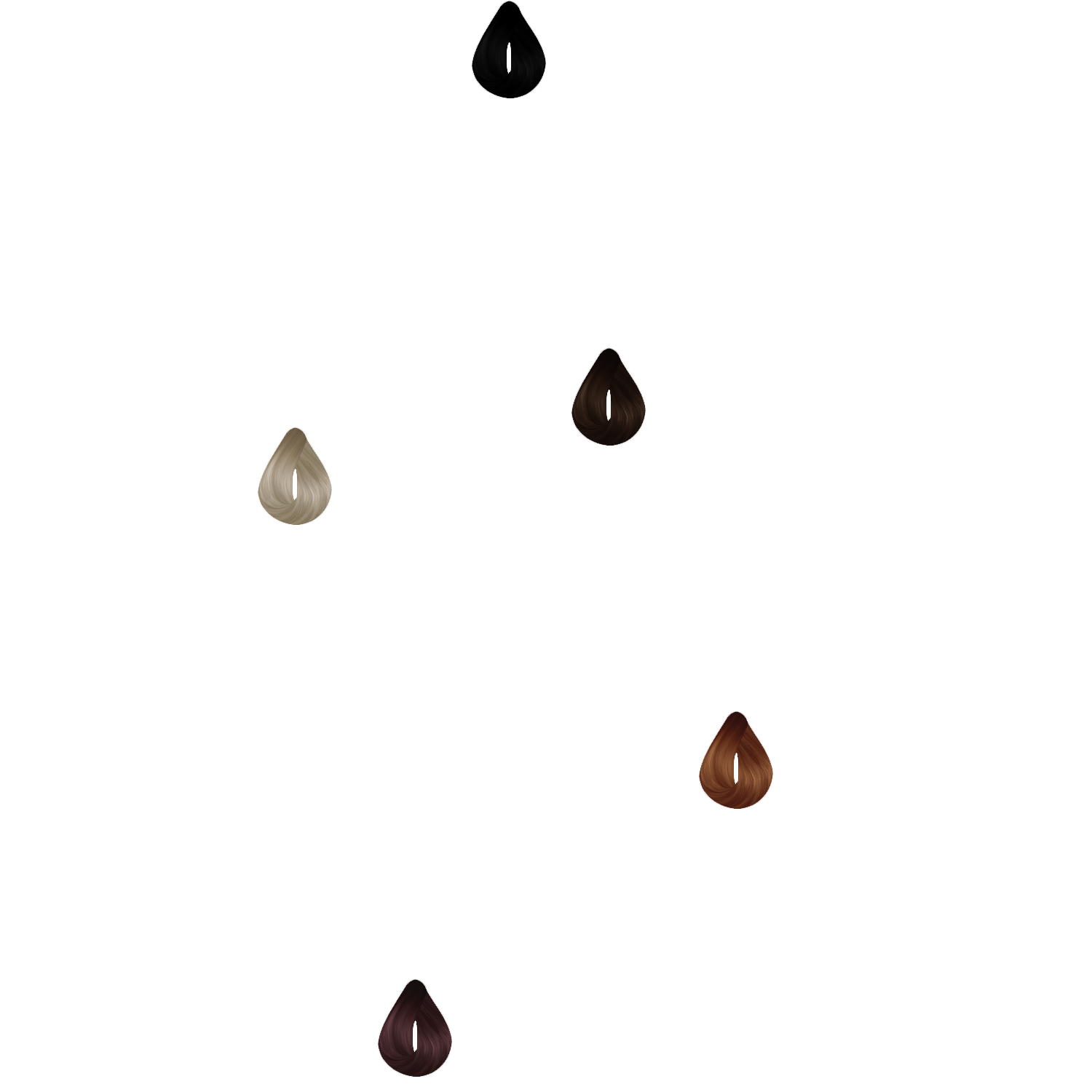
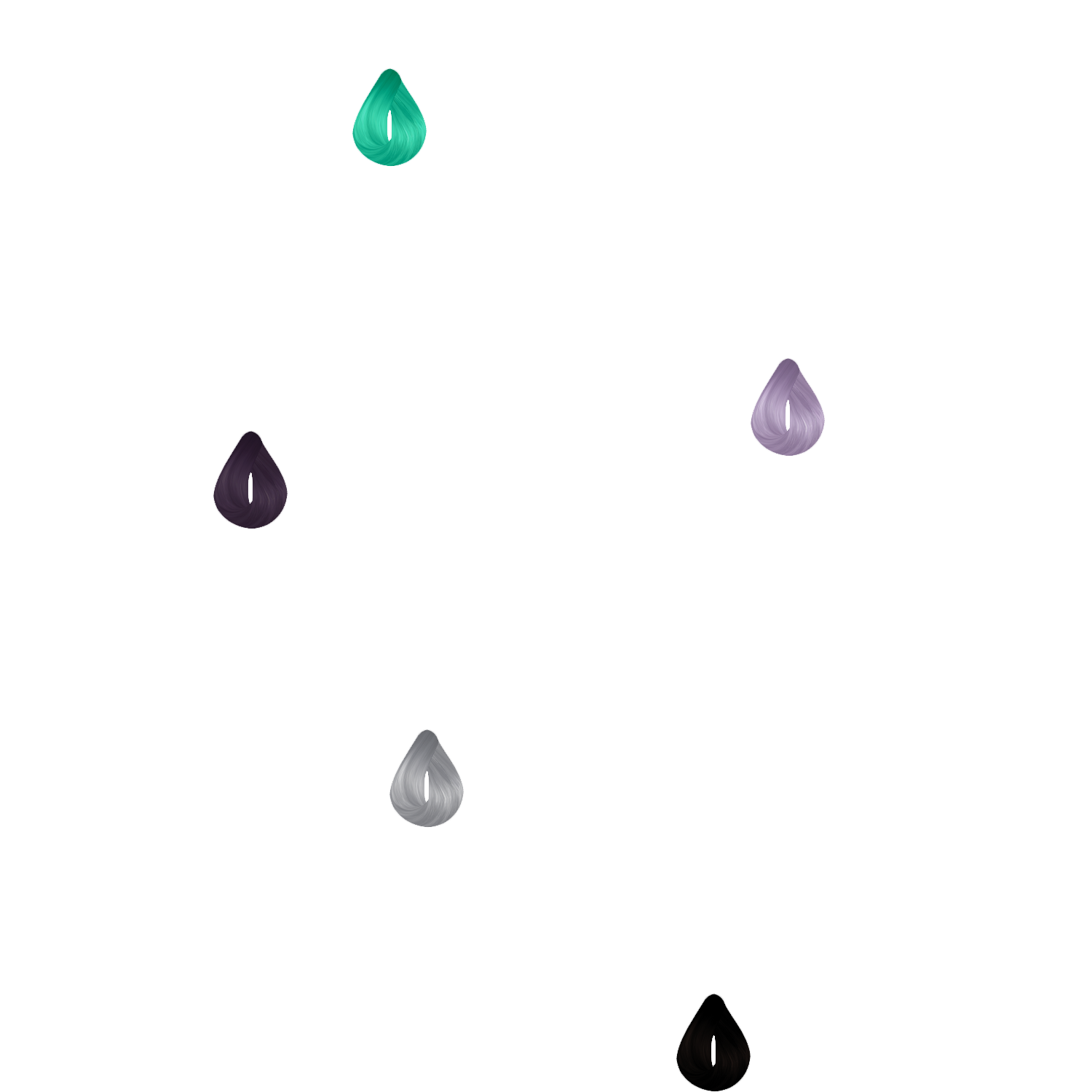
The collection includes 100 handmade swatches which cover a wide palette of colours.

Extras

You can mix different colours, making the hairs look unique.

The extras consist on 4 different set of textures that you can combine in CAS and 2 extra versions per hairstyle.

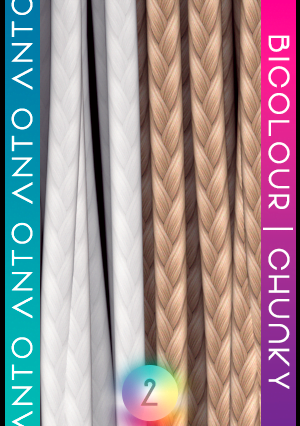
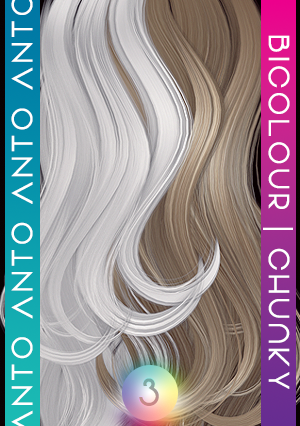
BICOLOUR
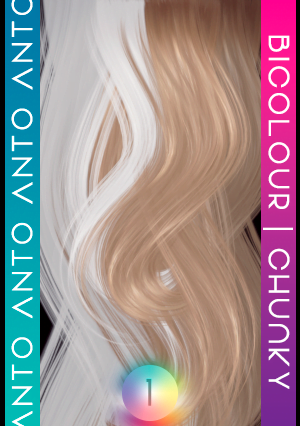
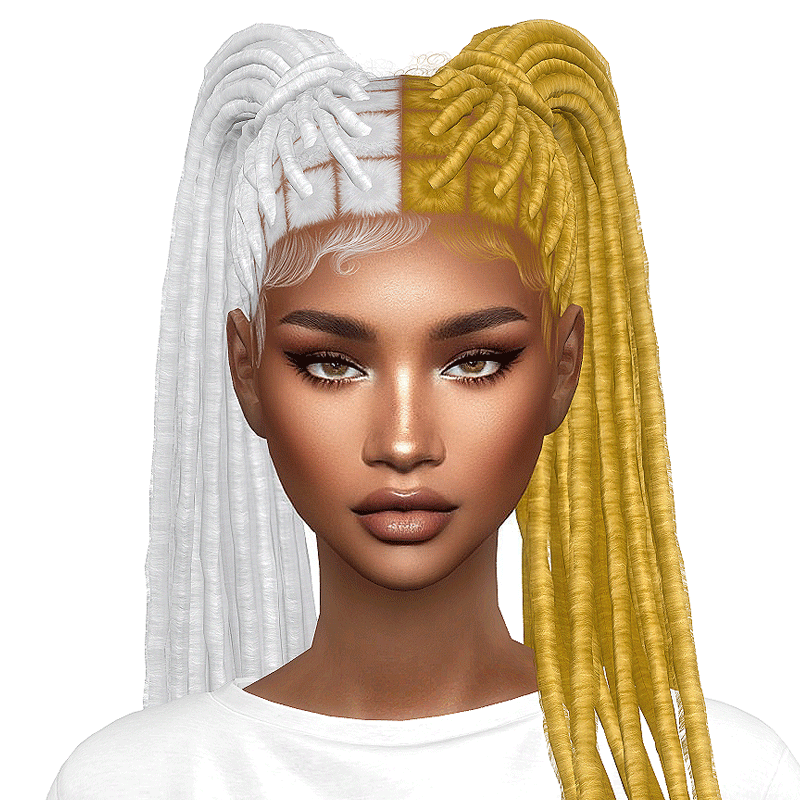
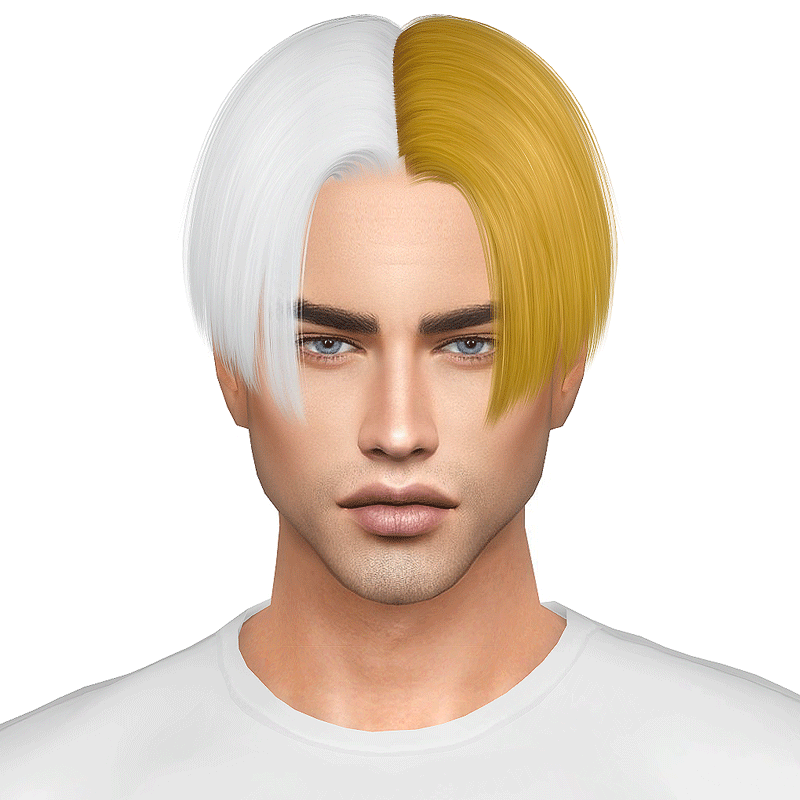
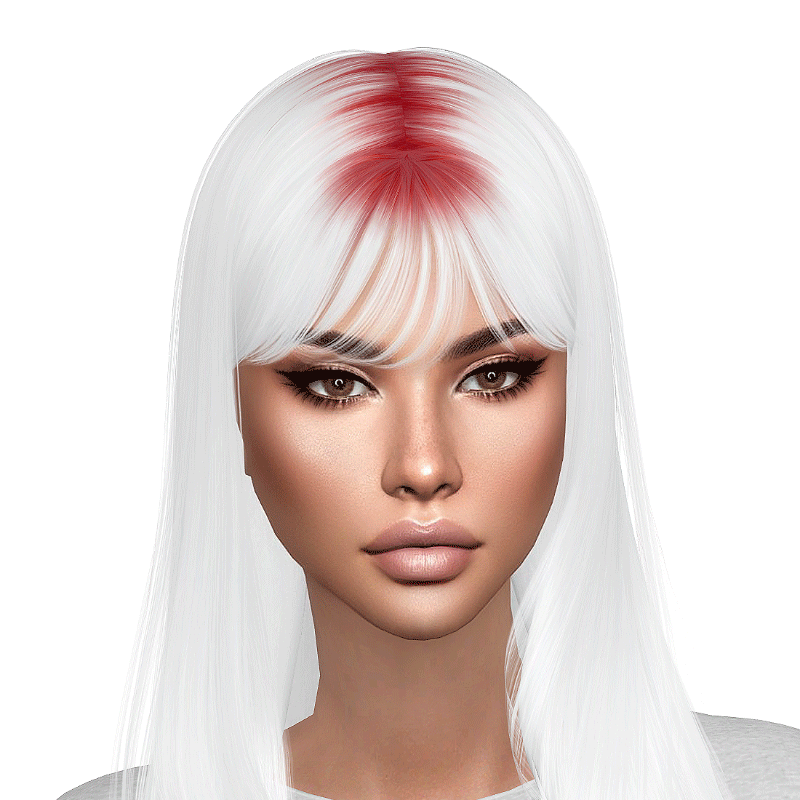
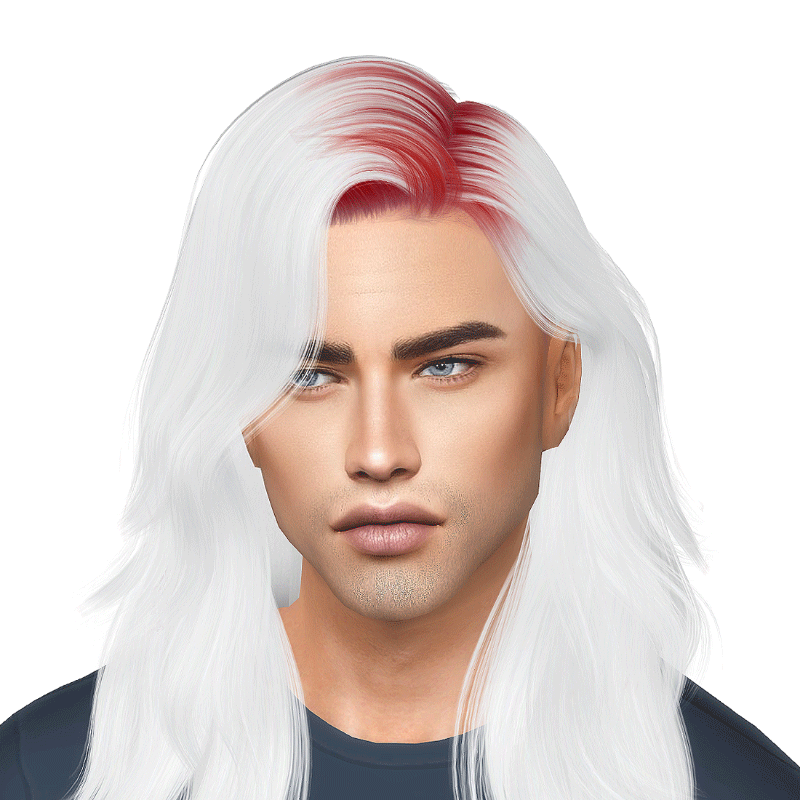
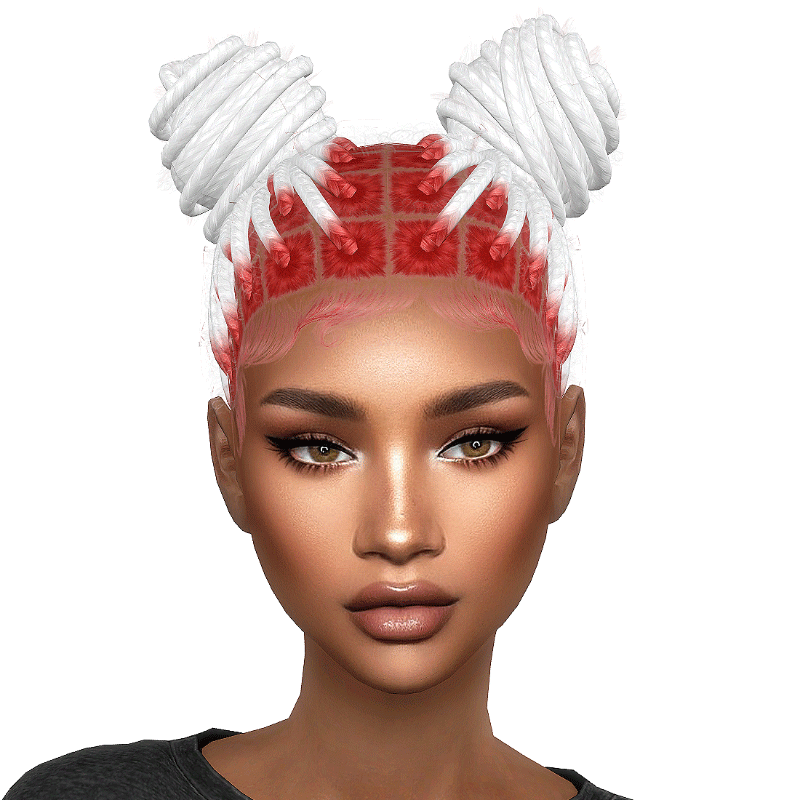
Why use one plan colour when you can have two? With bicolour you can mix two different colours on your Sim’s hair. Pick one main colour for the hair, and then add the bicolour accessory to paint the other half.
Important!

This one is a bit different from the others. While the others are just a texture that goes on top of the hair, this one requires two things to work.

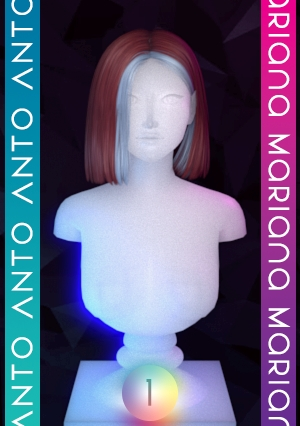
First one is an either chunky or bicolour hair. You can distinguish it from basic one by the dual colour CAS thumbnail. 

The green/pink thumbnails indicates the hair is bicolour. Green part is controlled by the colour you pick for the hair, while pink part is controlled by the chunky/bicolour texture.


The ginger/blue thumbnail indicates the hair is chunky. In this case the ginger part is controlled by the hair colour while the blue one is controlled by the bicolour/chunky texture.


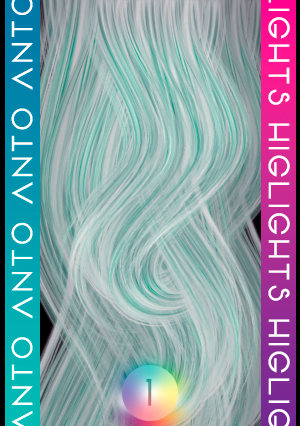
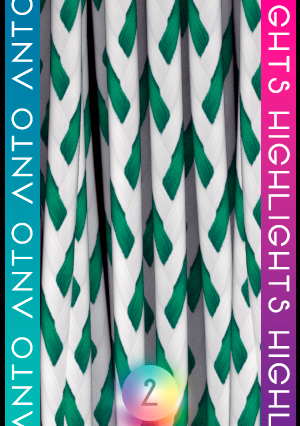
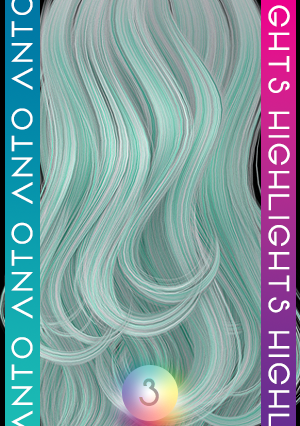
The second thing you need is the bicolour/chunky texture that can be found in one of the many categories mentioned below. It’s very important that you select the texture that matches the collection of the hair, which can be seen in the little number at the bottom of the thumbnail.

WITHOUT THE BICOLOUR/CHUNKY TEXTURE, HALF OF THE HAIR WON’T WORK CORRECTLY!

As you can see in the video below, when you use a chunky or bicolour hairstyle without the chunky/bicolour texture, part of the hair is missing or appears black.

Highlights

Highlights give the hairstyles small coloured strands. Use any colour you want or go for grey and white colours to make the hair look salt & pepper, allowing you to age your sims progressively.

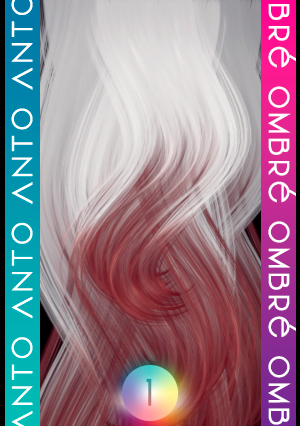
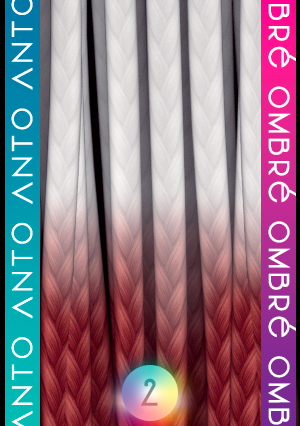
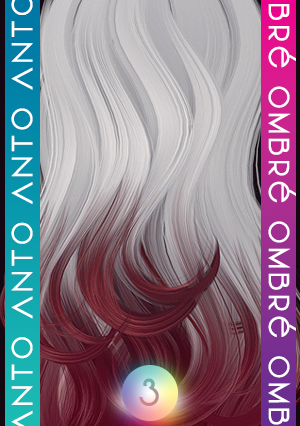
Ombré

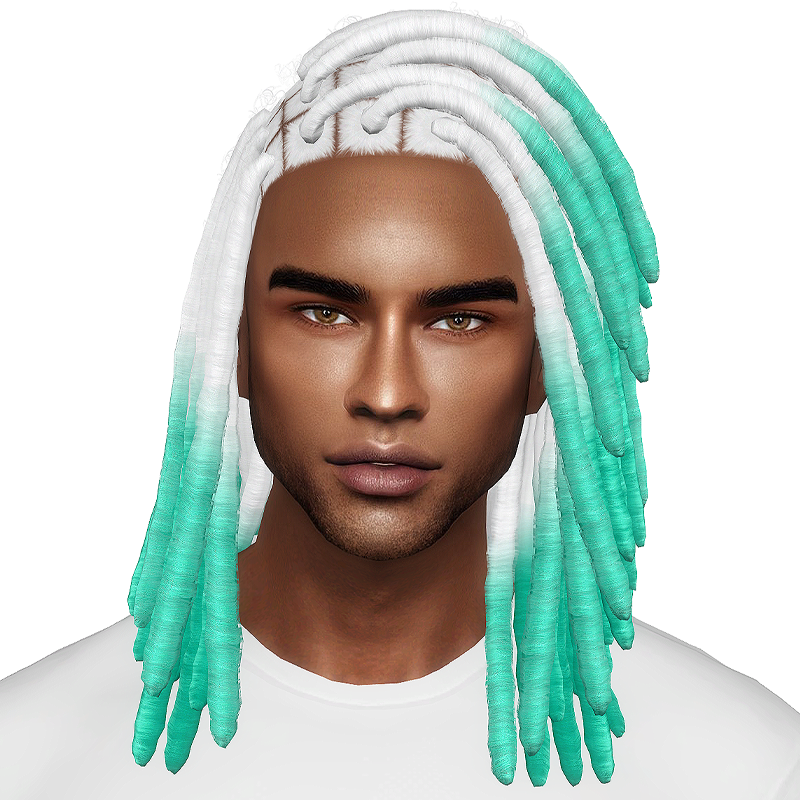
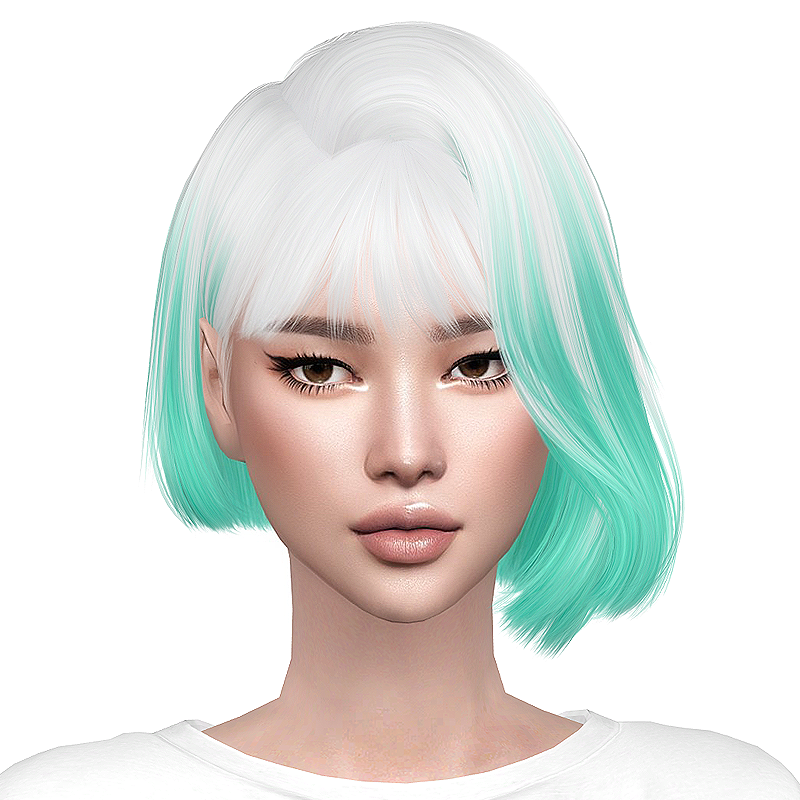
With ombré you can add a coloured gradient to the hairstyles, like making a brunette feel that it has been touched by the sun with some gold tones, or go wild and pick any of the pastel/vibrant colours of the collection.

Roots

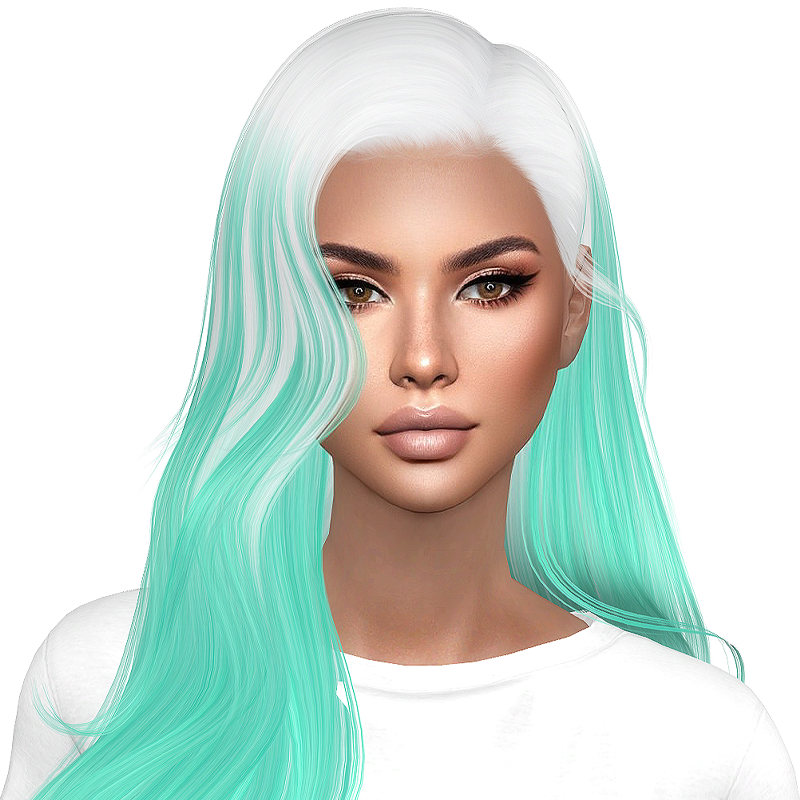
If you want to make your hair seem like it was bleached some time ago, roots is your friend. Give your sim some darker roots, or go green and give it some Billie Eilish vibes, that’s up to you!

See them in action

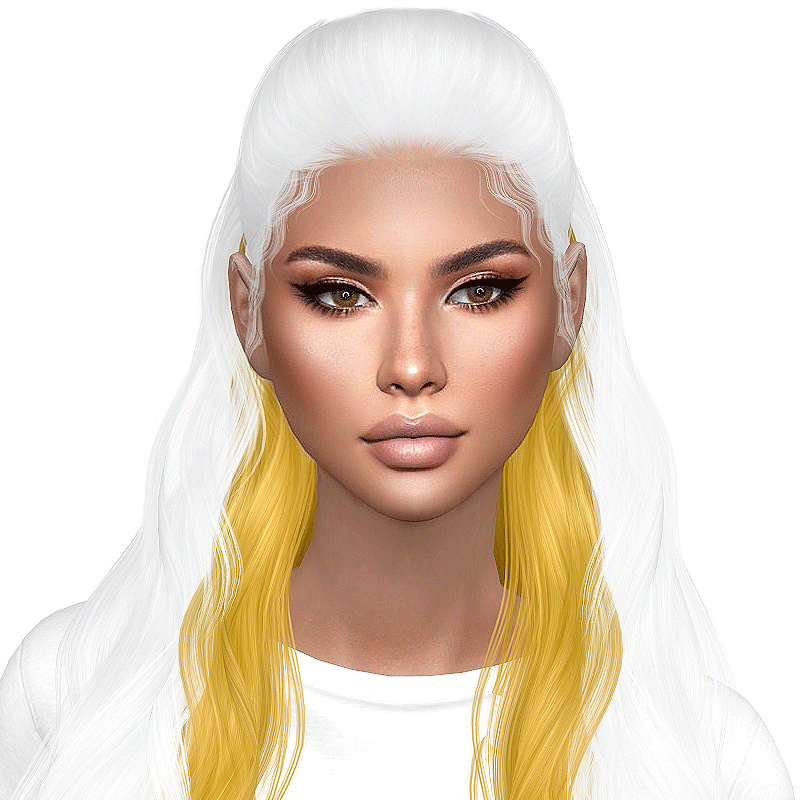
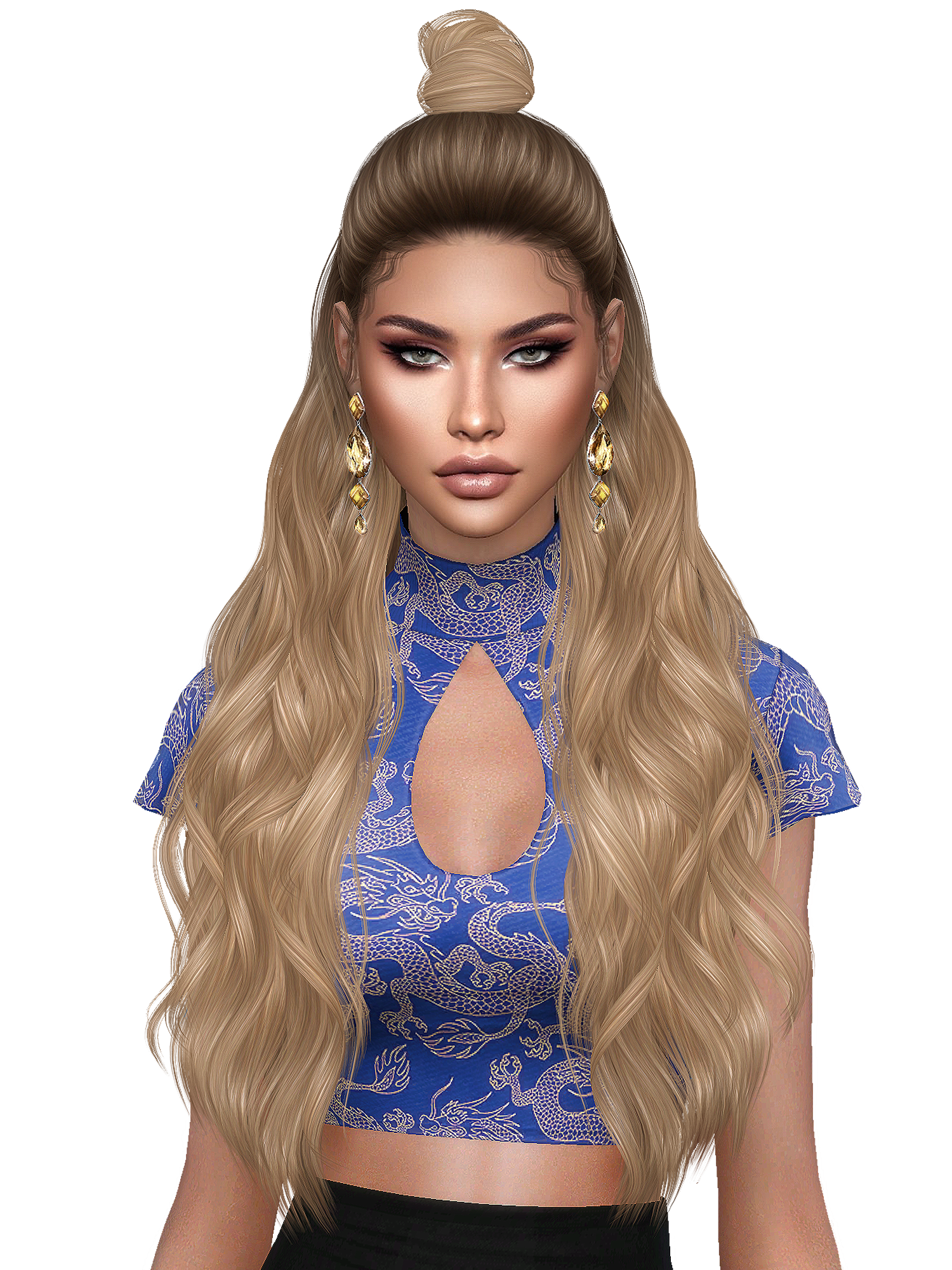
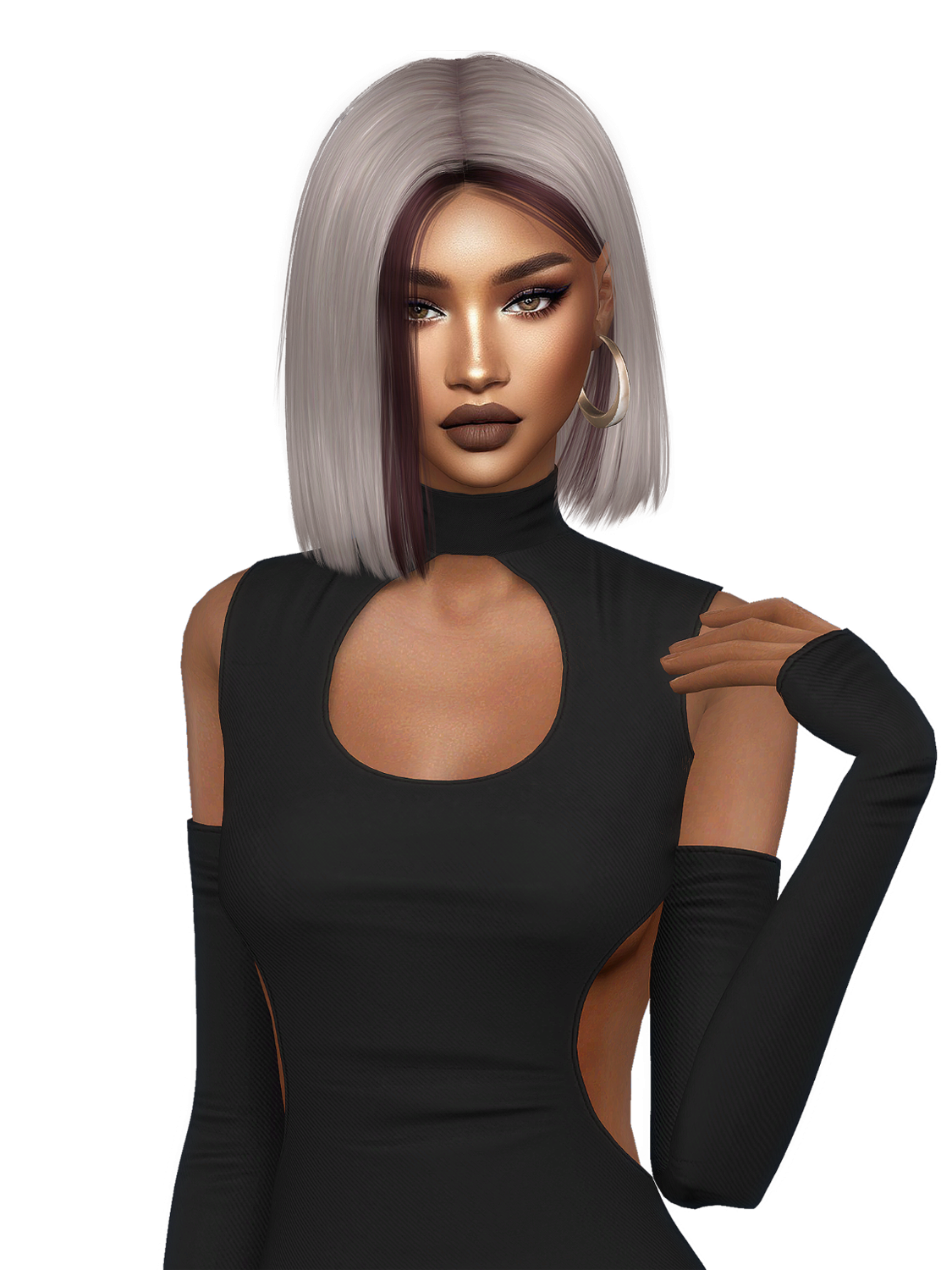
The sim is wearing the base hairstyle in brunette with ombré gradient in blonde.

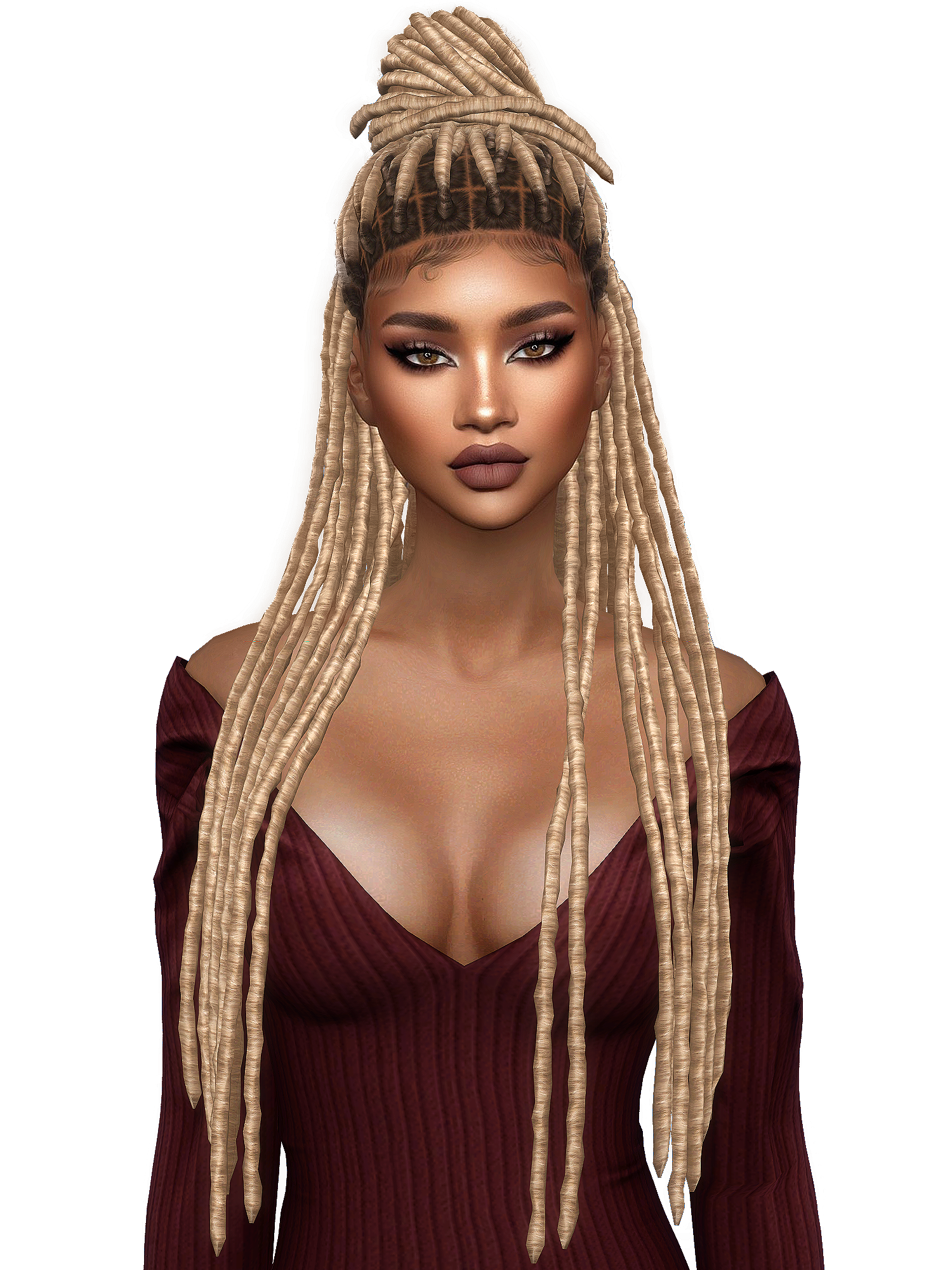
The sim is wearing a chunky hairstyle in blonde and the chunky texture in wine colour.

The sim is wearing the base hairstyle in blonde with the roots in brown.

Where to find them

Use the Extras to get the look you want. The game limits one item per category in CAS, that’s why they’re available in the follower categories so you can mix them without problems:

  • Skin details
  • Tattoos
  • Hats
  • Gloves
  • Rings
  • Thights

Download

Base

Required

⚠️ Chromatic hairs won’t display correctly without the base collections installed.

F.A.Q.

♦︎ So… All I need for the hairstyles to work is downloading The Chromatic Collection Base?

That’s it!

♦︎ But why are there 3 different collections?

Each collection is a different set of textures. Some hairs require one, and some require another. Download the ones you need.

♦︎ How do I know which ones I need?

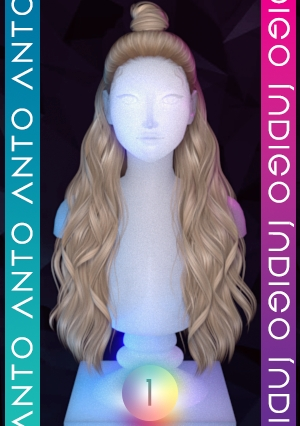
Each hair has a small sphere in the preview or in CAS thumbnail with a number, that’s the collection it needs. Also in the file name you can see the word Chromatic followed by the number of the collection.

♦︎ Where do I save the files?

  1. Download the file
  2. Put it in Documents > EA Games > The Sims 4 > Mods
  3. Start the game
  4. That’s it!

Once the files are in your Mods folder, everything works automatically — no extra setup needed. You can also download CurseForge app that manages and installs all the files, and updates them in case a new version is available.

♦︎ The colour swatches cover too much space.

I recommend you using this mod to make the menu wider. It will display more items per row so you’ll be able to find what you want easier and will take advantage of the empty space in your screen.

♦︎ My sims appear with red/white squares and question marks.

This issue happens when the game can’t locate the textures. Make sure you downloaded the collection or placed it in the right folder. Make sure you got at least the base package of the collection you need.

♦︎ Some hairs have missing/black parts.

It’s either a bicolour or chunky hairstyle. You need to select the second colour from the Extras

Changelog

31/10/2020

Collection 1 v1.1

  • Updated CAS Thumbnail
  • Bicolour/Chunky Textures
28/02/2021

Collection 1 v1.2

  • Updated textures
  • New no scalp version
  • Colour slider mod compatibility.
15/08/2021

Collection 2 V1.0

  • Includes braids/hairlocks textures for new hairs.
24/06/2022

Collection 1 v1.3

  • Color Slider Textures fixed for werewolves pack

Collection 2 v.1.1

  • Color Slider Textures fixed for werewolves pack
29/12/2025

COLLECTION 3

  • New textures